Start Your Maker Journey
Follow the steps below to know set up your kit and build your first project.
Makers Edition
Thank you for purchasing!
Everything you need to set up your kit, learn the basics and build your first circuit is right here. Start with the unboxing, or watch it in action first.
You're in the right place
- Beginners
- Students
- Hobbyists
- Curious minds
- Future hardware engineers
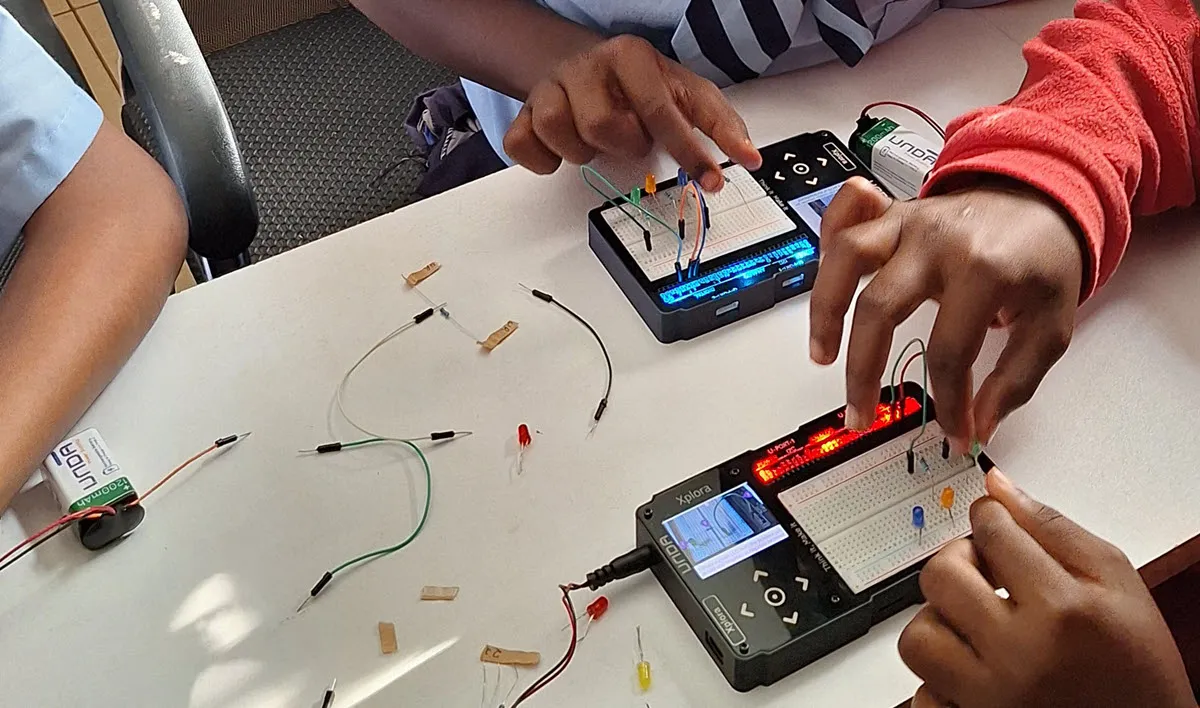
Whether you're wiring your first LED, picking up a new hobby or starting a career in hardware, UNDA.Xplora starts where you are. No soldering and no experience needed: every project begins simple and builds on the last. The students above started with a single LED, and so will you.
From unboxing to your first blink
Five short stops between opening the box and watching your first LED light up. Follow them in order, or jump straight to the one you need.
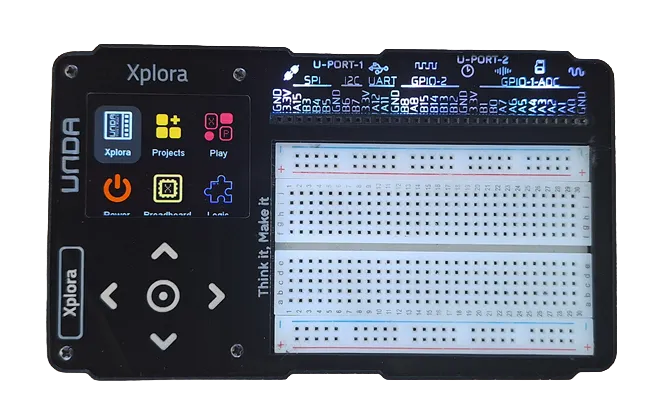
Meet Your Kit
Get to know the board before you build: the screen, the navigation buttons, the ports and the built-in breadboard, and what each one is for.
Getting startedPower It On
Run your kit from the included battery or a USB-C cable, and learn what the power menu shows you while you build.
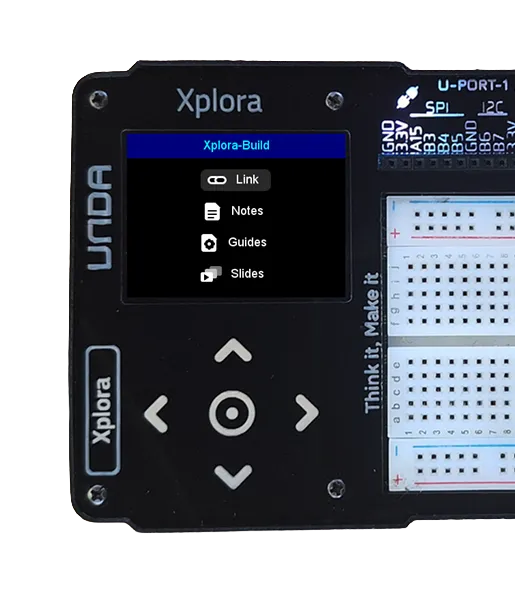
Power guideUse the Built-in Manual
Every project's steps are right on the device. Use the arrow and select buttons to open the manual and follow along, no computer needed.
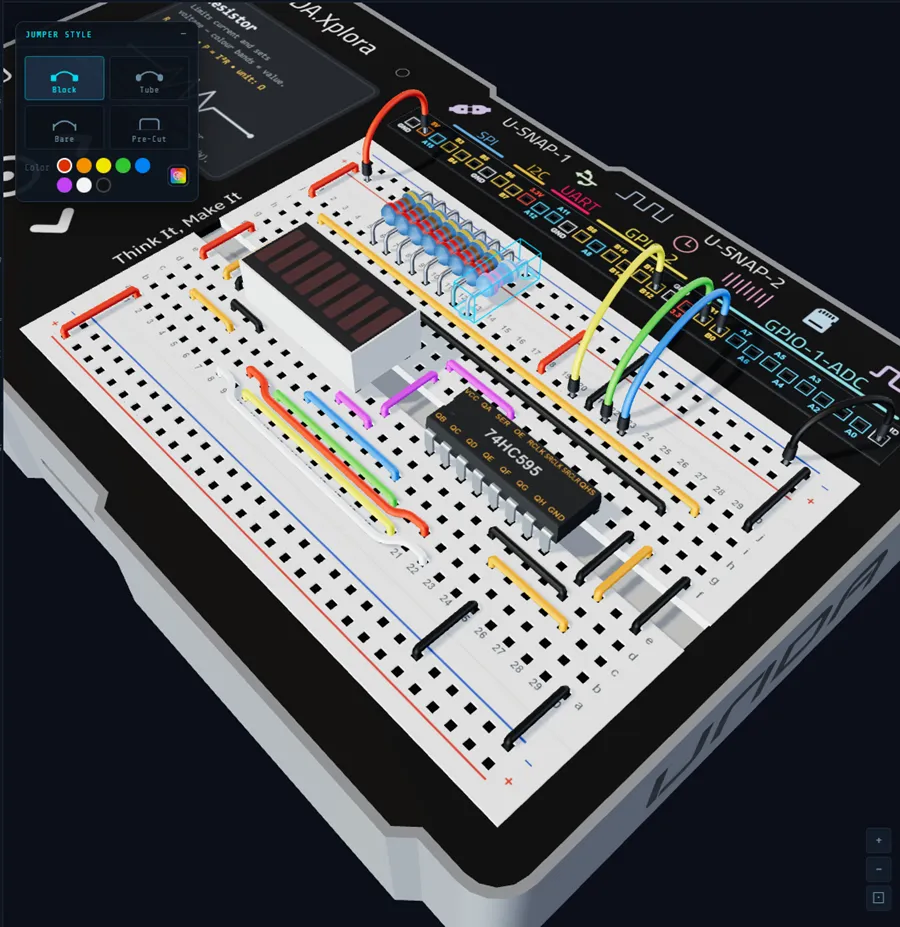
Learn the Breadboard
The breadboard is where your circuits come together. Learn how its rows and rails connect, so every wire you place goes exactly where you mean it to.
Breadboarding basicsBuild Your First Project
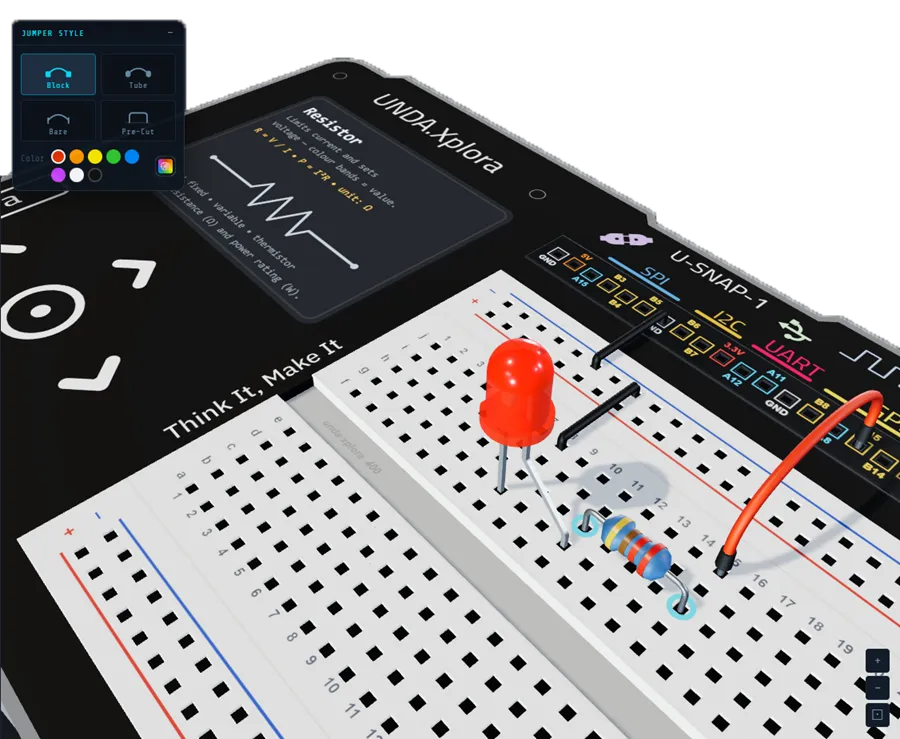
Start with a flashing LED, then work up through 20+ projects, from traffic lights to a weather station. Each one teaches something new.
Start with Flashing Light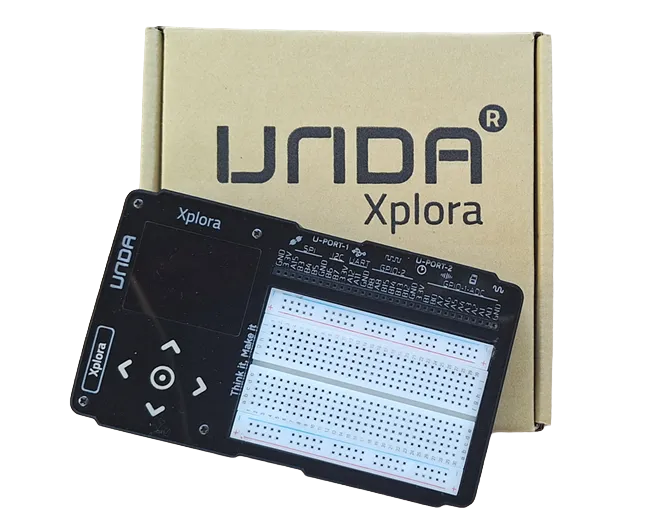
What you can build
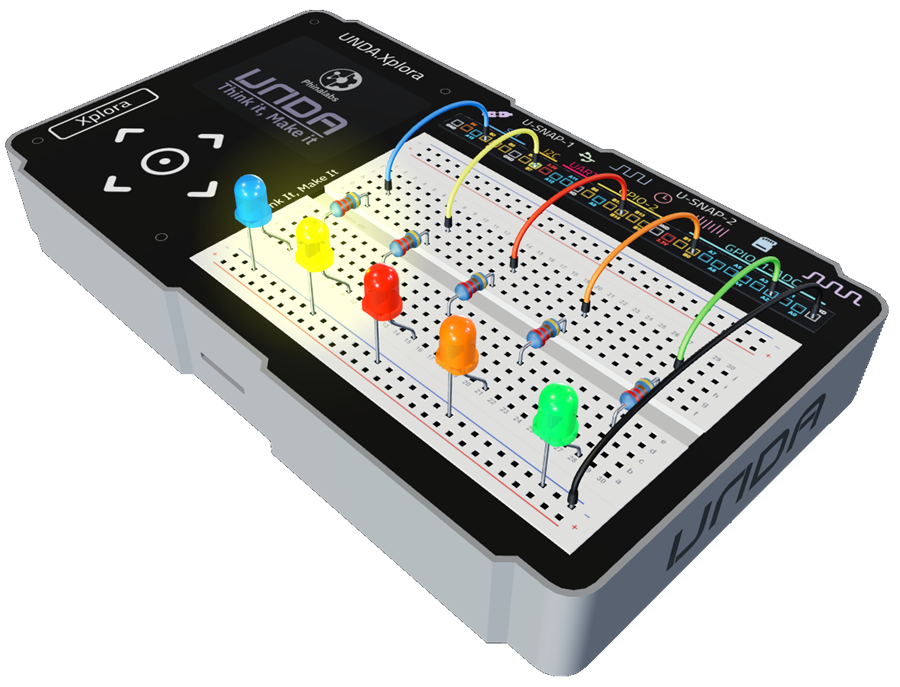
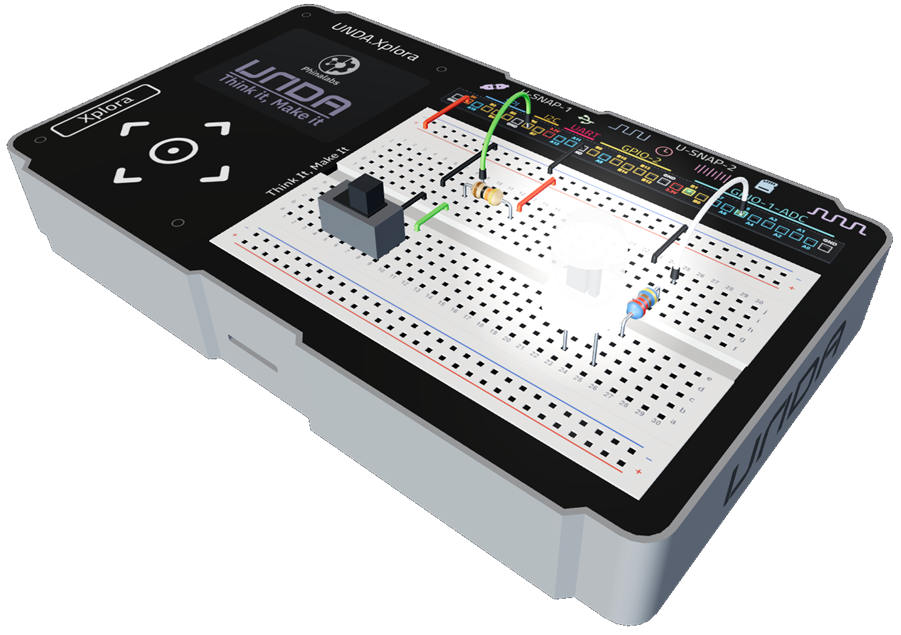
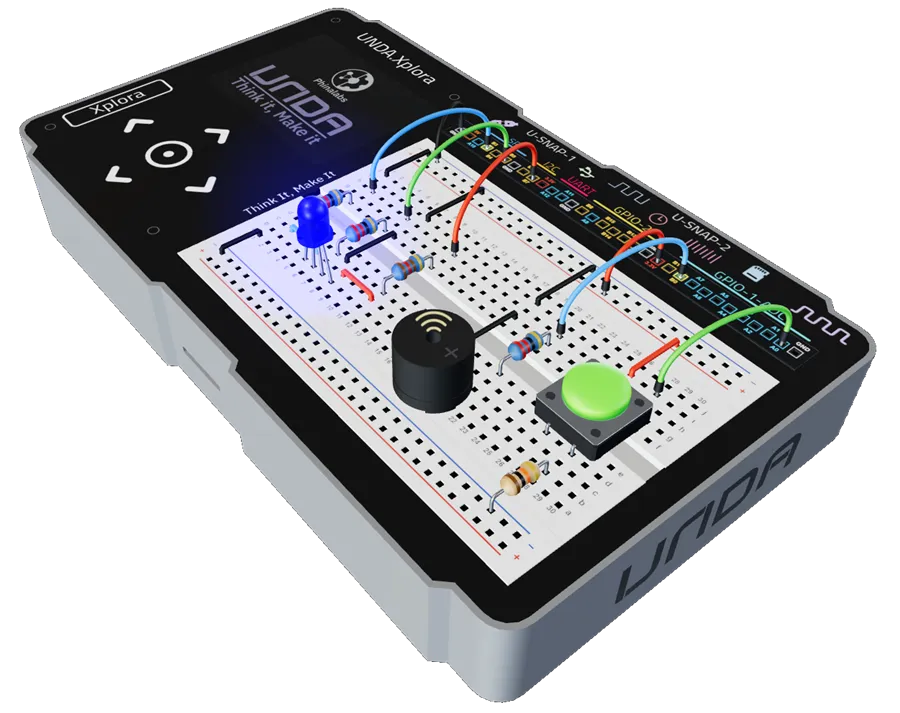
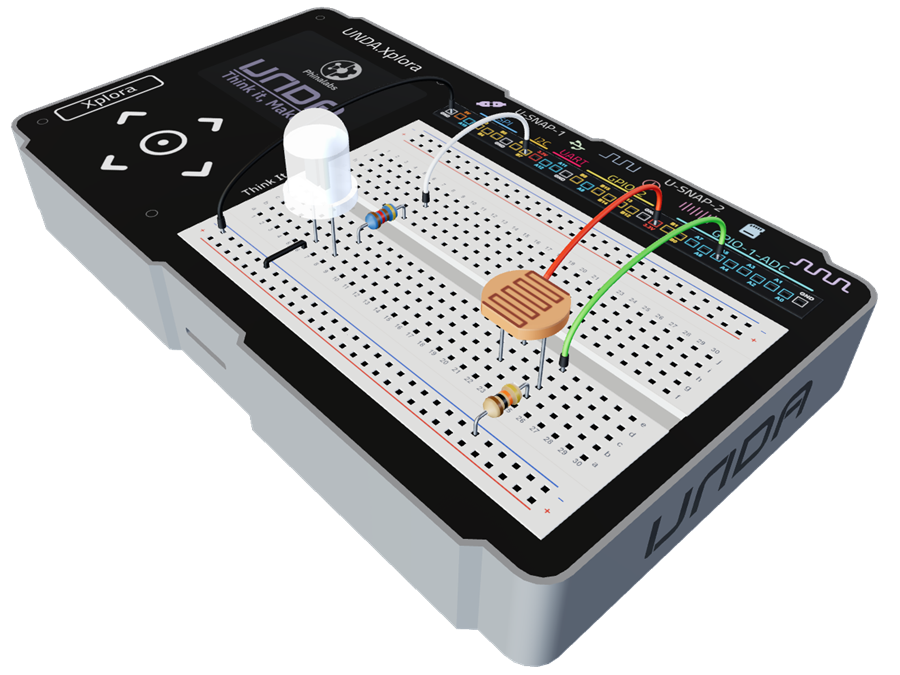
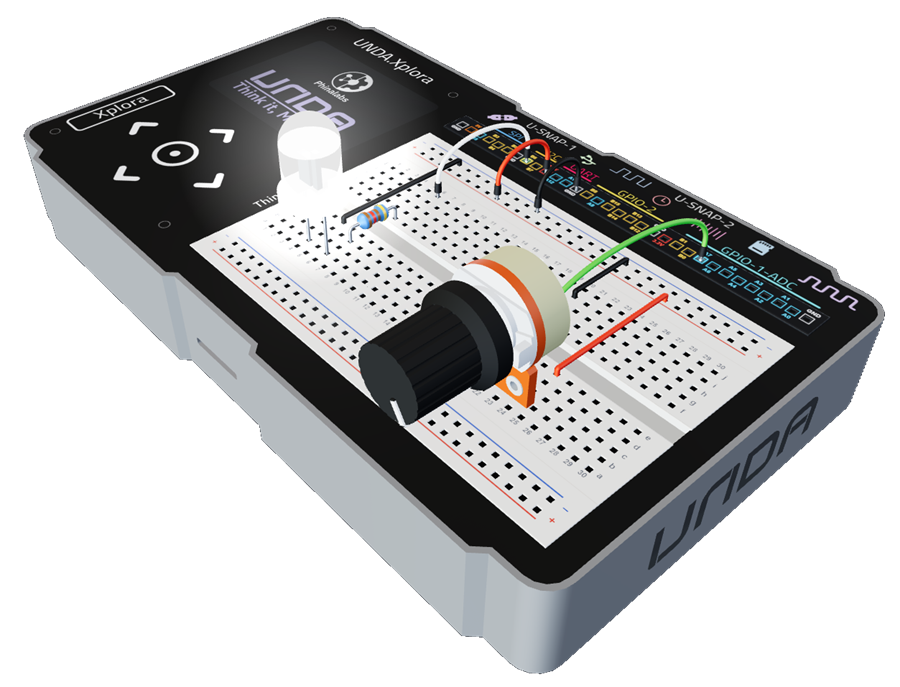
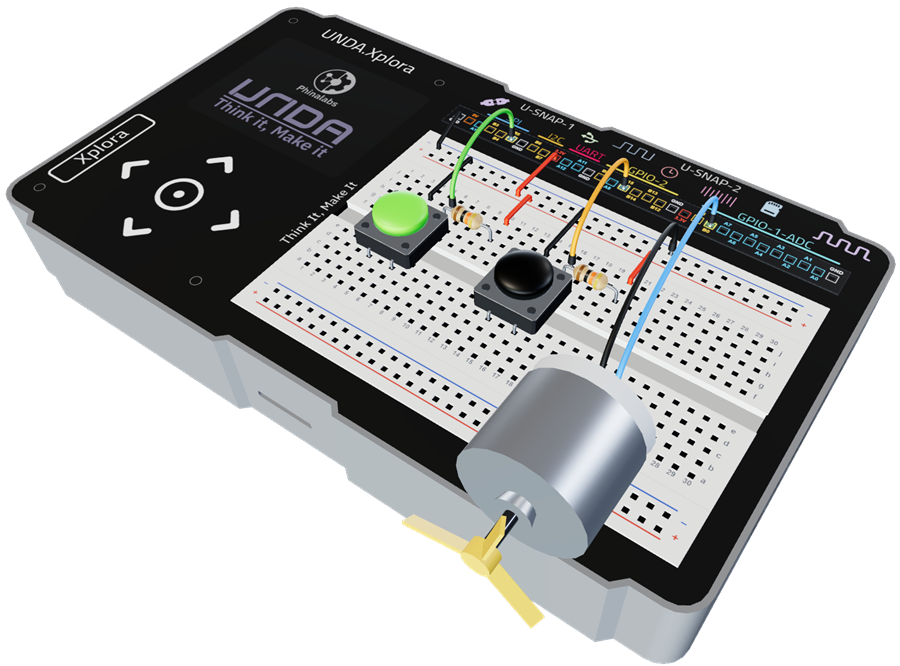
Once your first LED blinks, try these next: six builds from running lights to a push-button fan. Each one uses parts from your kit and adds something new.